by prya
Adobe's Photoshop 2026 AI assistant chains multi-step edits from one prompt. Firefly Boards integration now bridges ideation with precise finishing work.
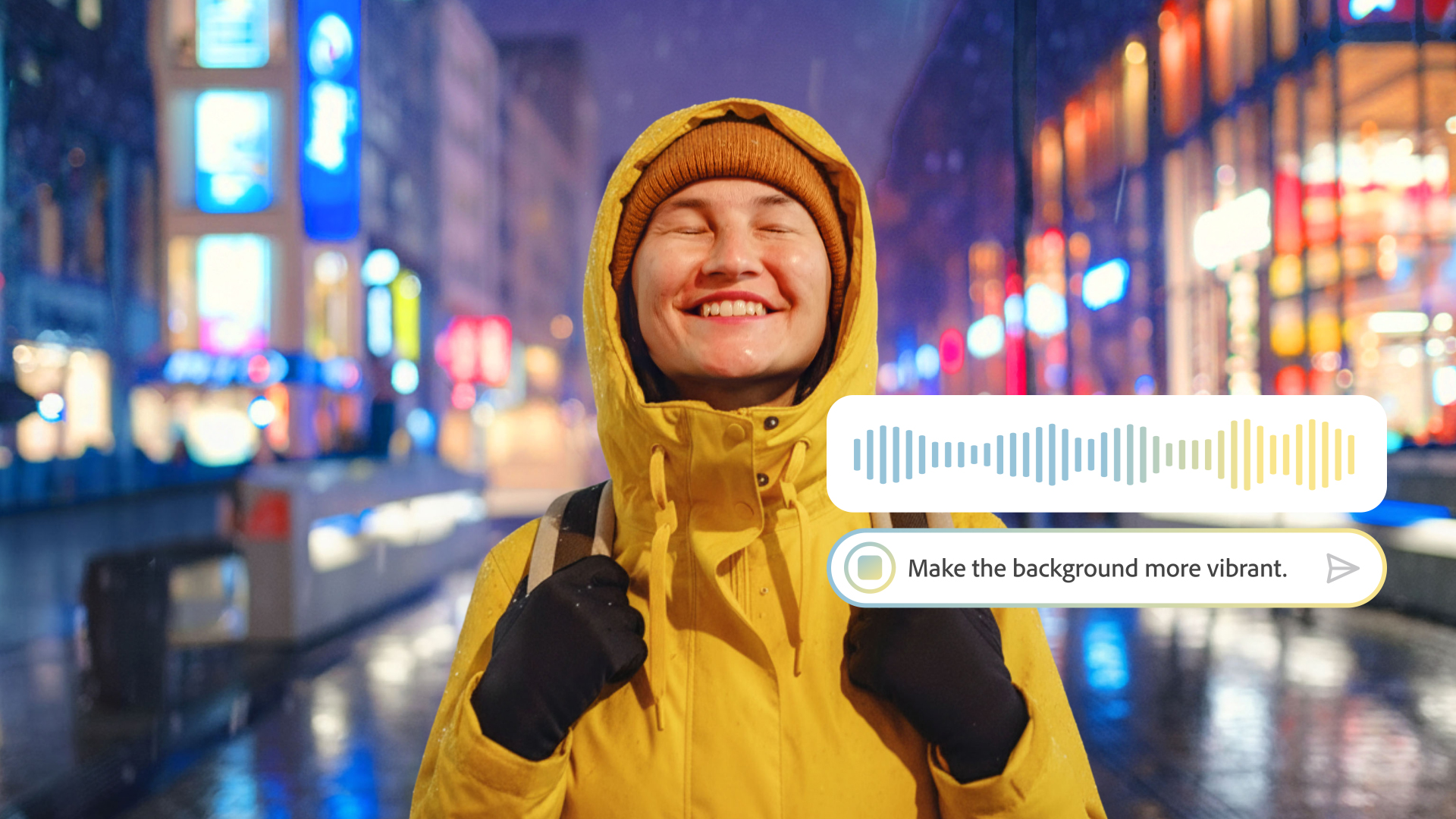
Adobe shipped version 27.5 of Photoshop in April 2026 with two updates that shift how designers engage with the software. The Photoshop 2026 AI assistant enters public beta as a conversational editing layer supporting two modes. Automatic mode resolves straightforward tasks in a single step. Guided mode steps through each action with explanations, making it equally practical for learning and for production work. Voice input on mobile extends the assistant beyond the desktop.
Creative Cloud subscribers receive unlimited generations at launch, with AI Markup letting users draw on the canvas and pair annotations with text prompts to control where changes happen. Adobe also provides access to multiple third-party models, including Google Gemini 3 and Black Forest Labs FLUX.2 Pro, alongside twenty-five-plus custom models in beta.
Photoshop 2026 AI assistant and the Firefly Boards workflow
Firefly Boards integration is the other significant change in version 27.5. Designers can open Photoshop cloud documents inside Firefly Boards, generate variations and style transfers, then send selected outputs back to Photoshop for precision finishing. The two tools now share a connected pipeline rather than requiring manual file exports.
Firefly Image 4 now ships as the default generation engine, producing 2K resolution output with improved prompt adherence and fewer artifacts. Non-destructive Clarity, Dehaze, and Grain adjustment layers added in version 27.3 remain available, and Generative Remove has been rebuilt on diffusion models for cleaner portrait and landscape reconstruction. Full details on the Photoshop 2026 AI assistant update are available at Photoshop News.