by prya
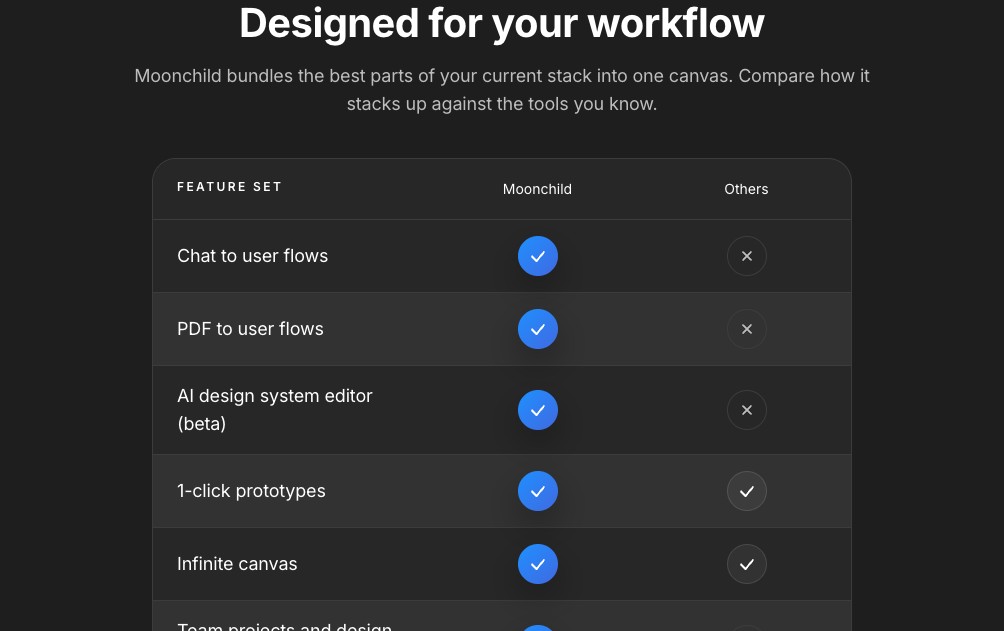
Moonchild AI is an AI UI design tool that turns chat prompts into product flows, maps all screens, respects design tokens, and exports directly to Figma.
Most design workflows stall at the handoff between a product requirement document and actual screens. Moonchild is built to close that gap. Designers type a brief in plain language and the system generates multi-screen UI flows, complete with layout structure, component placement, and interaction notes.
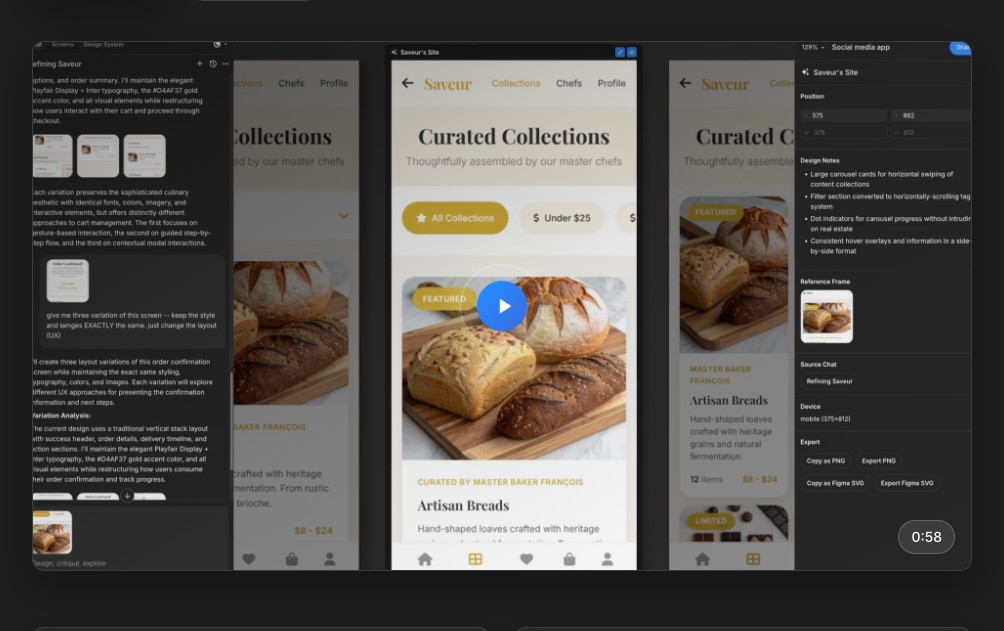
The canvas is infinite and chat-driven. A designer can prompt Moonchild to explore three layout variations of a confirmation screen, ask for a color-matched redesign, or request a full user flow from onboarding to checkout. Each pass produces polished, immediately usable designs rather than vague wireframes.
Moonchild as an AI UI Design Tool for Real Workflows
Where this AI UI design tool separates itself is in token awareness. It reads existing design system tokens and applies them to generated screens. A button stays your brand color. Typography follows your type scale. The output feels native to the product, not generic AI speculation.
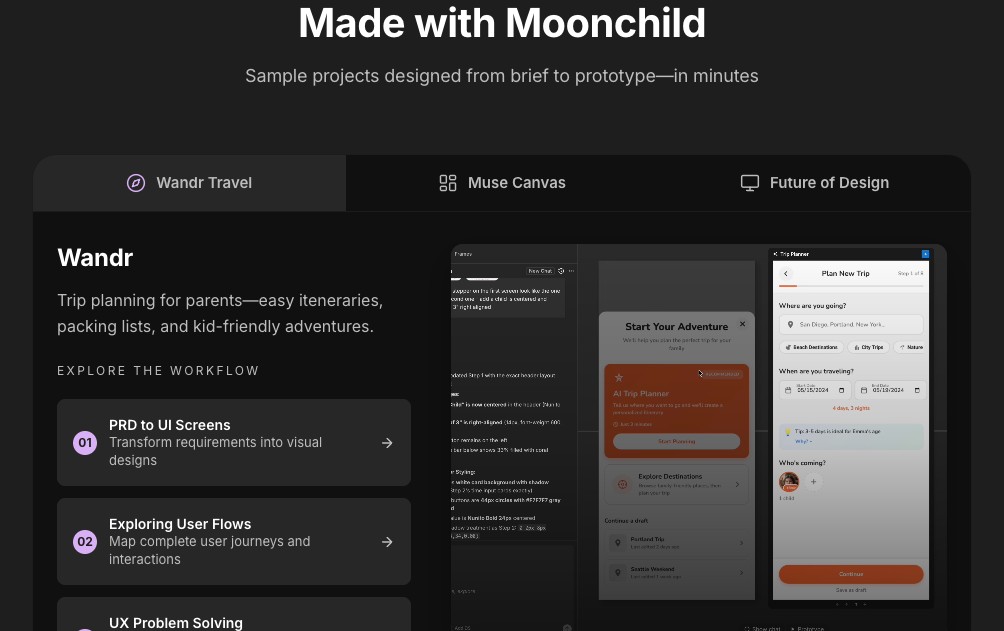
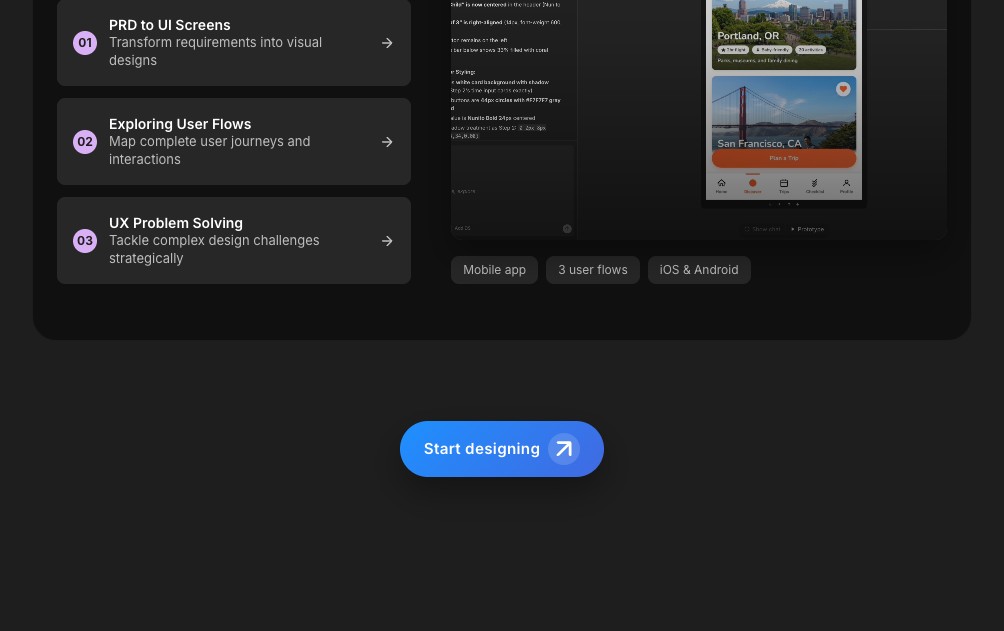
The Made with Moonchild showcase demonstrates the range. The Wandr travel app spans three distinct user flows across iOS and Android. The Muse Canvas project covers a full product design interface with an infinite canvas layout. Both examples go from brief to interactive prototype in minutes, not hours.
Figma export is built in. Designs go out as SVG or frame-to-code, ready for handoff or direct use. The team at Moonchild AI positions this AI UI design tool as a chat-first design layer that sits on top of the existing product stack.