by jeff
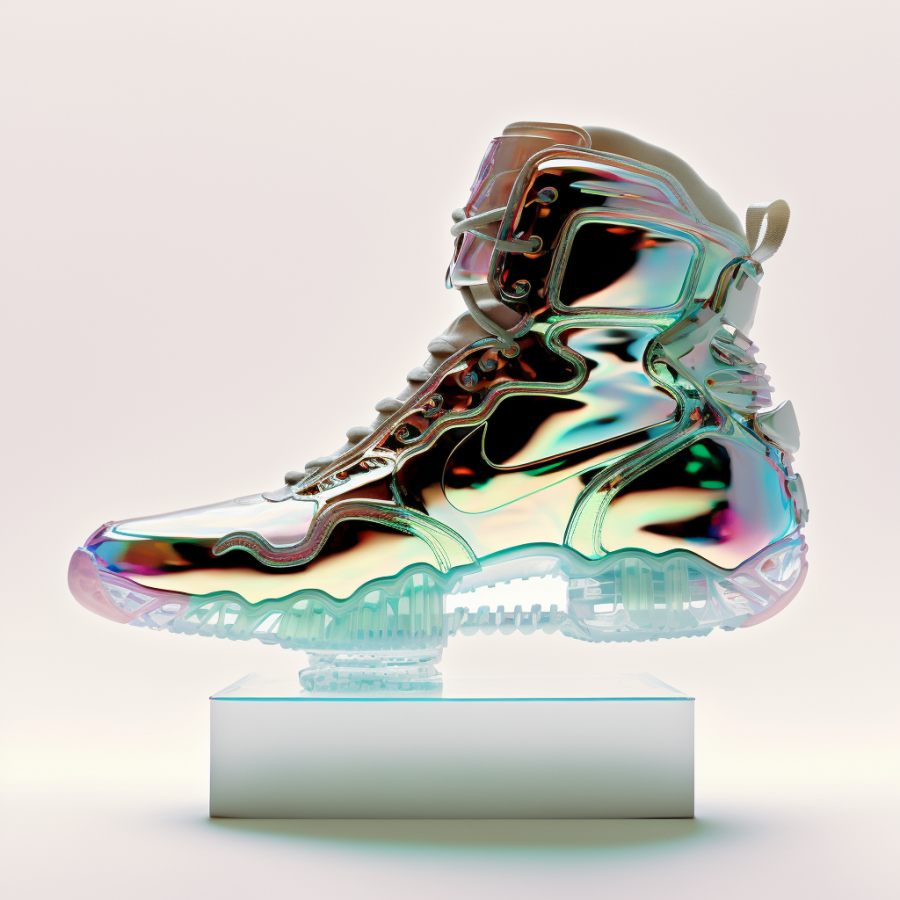
Vibe designing is the design equivalent of vibe coding — where bash scripts, AI tools, and CLI commands are finally replacing traditional GUI-only tools.
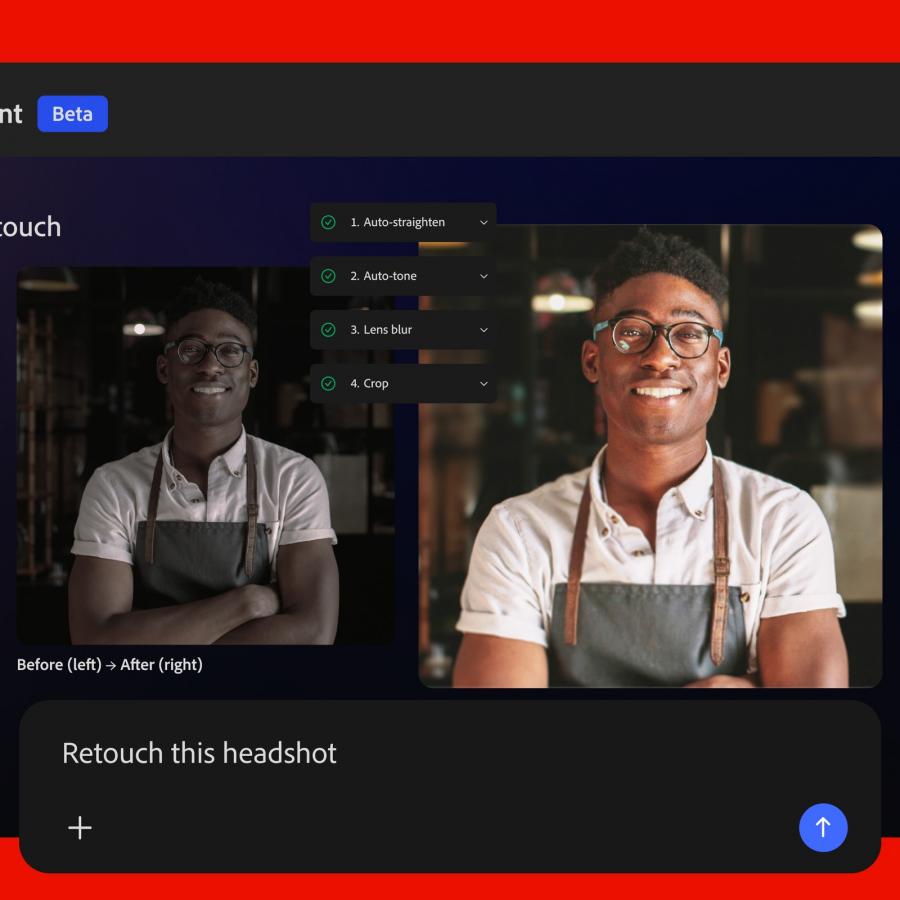
Designers have always borrowed from developers. Version control, component systems, token-based design — these ideas crossed the aisle from engineering and reshaped how visual work gets done. Vibe designing follows the same logic. Instead of opening Figma and reaching for a drag-and-drop panel, designers drop into the terminal. They prompt an AI model directly from the CLI, pipe the output into a file, and iterate without ever touching a mouse.
The shift is real, and the tools are here now. Claude Code, Anthropic's CLI tool, lets designers generate entire UI components, layouts, and web pages through natural language prompts in the terminal. The output is production-ready code — no GUI required. A designer types a prompt, reads the diff, and ships. That is vibe designing at its most direct.
How Vibe Designing Works with Claude Code and Figma MCP
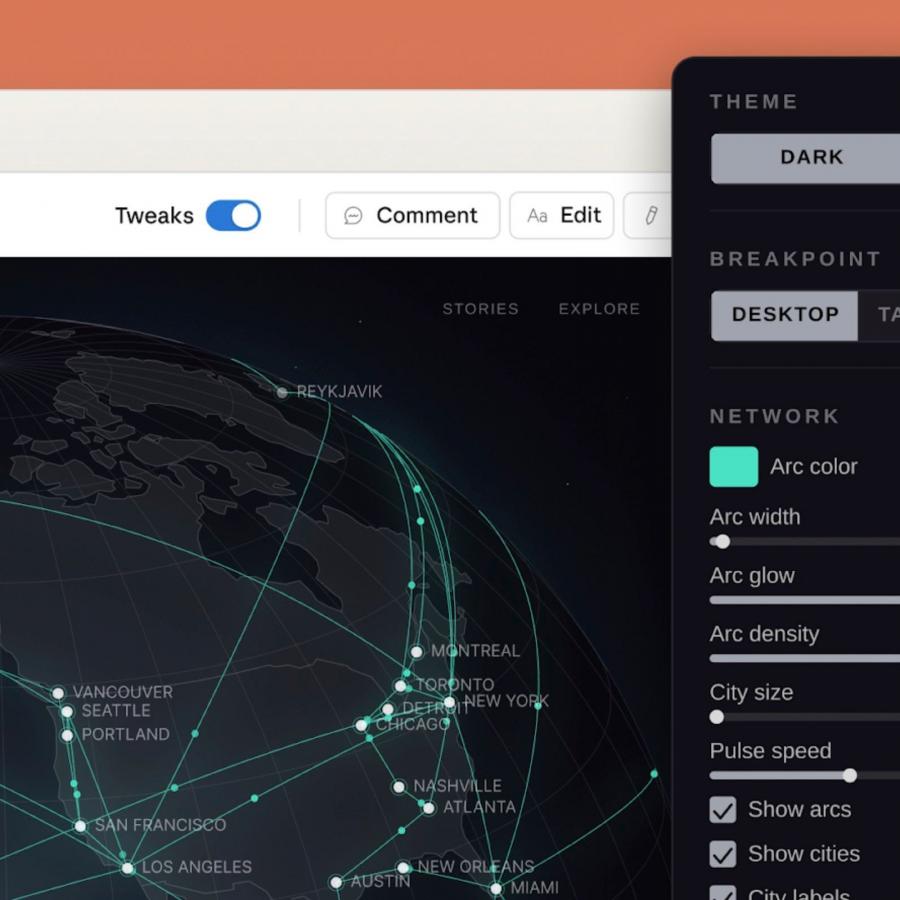
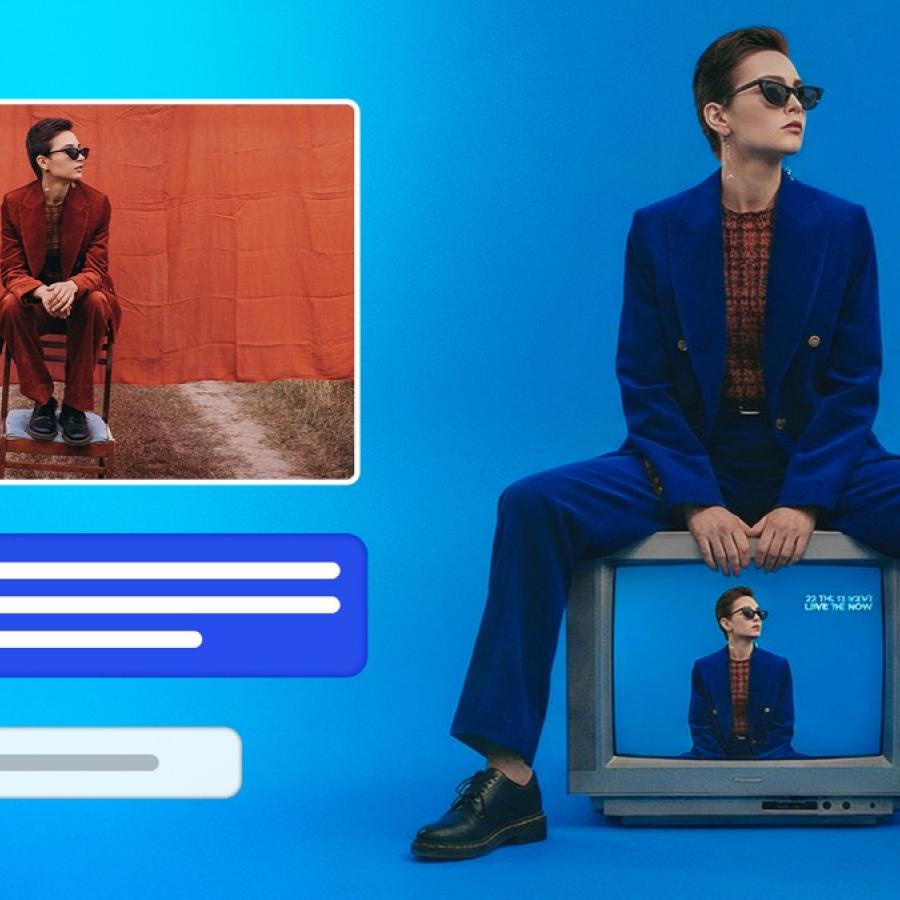
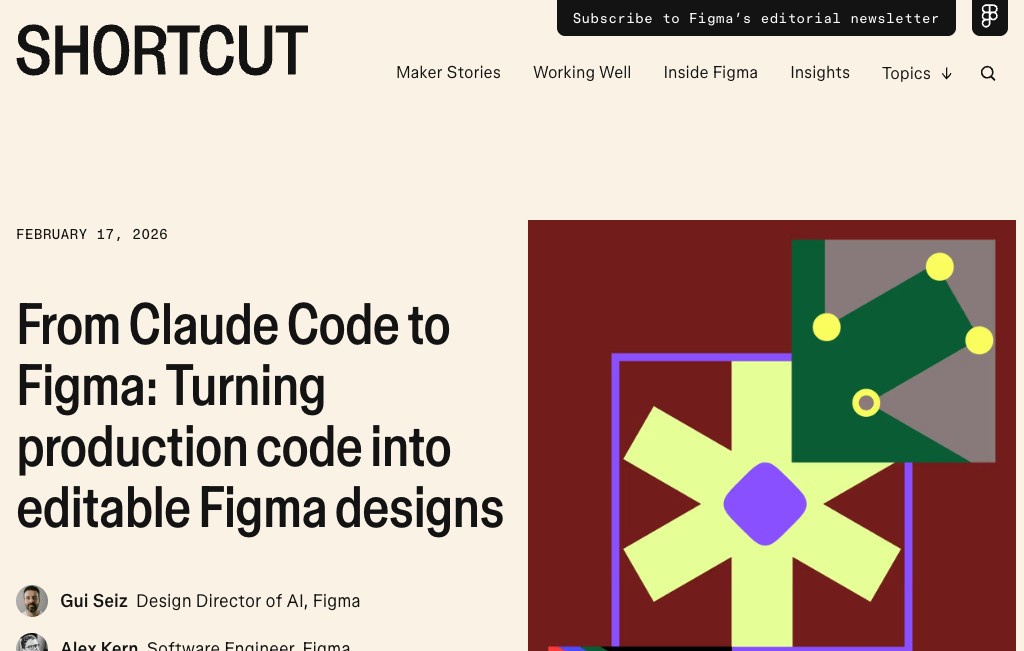
The vibe designing workflow does not stay in the terminal. Figma announced in February 2026 a direct integration between Claude Code and the Figma canvas. Called Code to Canvas, it lets a designer capture a live UI built in Claude Code — running in production, staging, or localhost — and convert it into editable Figma frames. Not a flat screenshot. An actual design artifact with layers that a team can annotate and iterate on together.
The pipeline runs both ways via the Figma MCP server — an open-protocol connection between Claude Code and Figma's design environment. An AI agent reading through the MCP server does not just see screenshots. It reads components, variables, styles, and layout structure. Claude understands the design system semantically and can generate code that matches it. The MCP server runs locally through the Figma desktop app at port 3845.
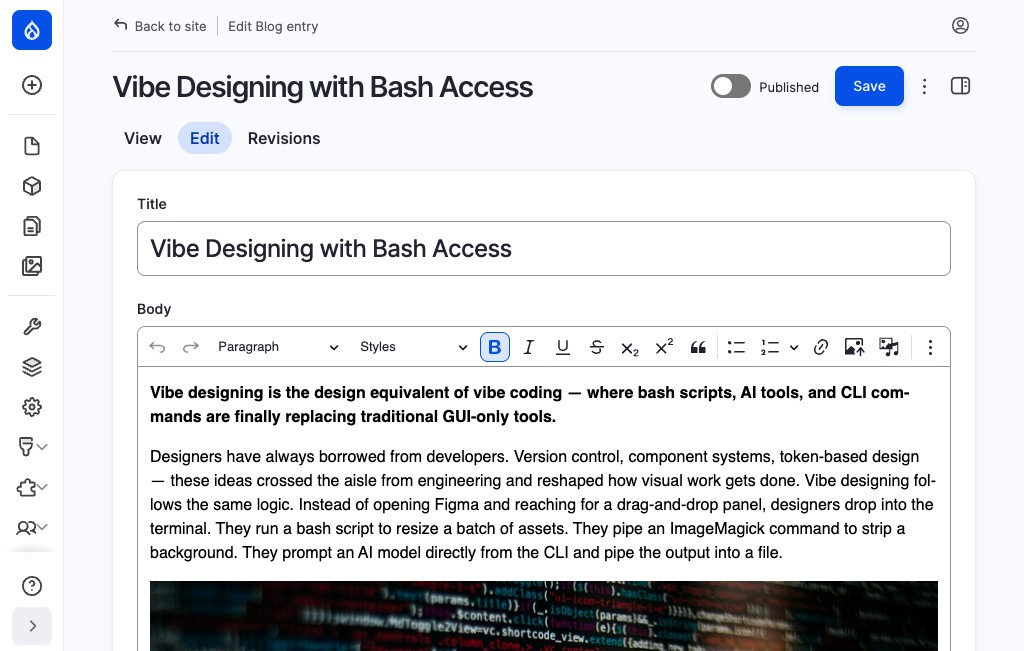
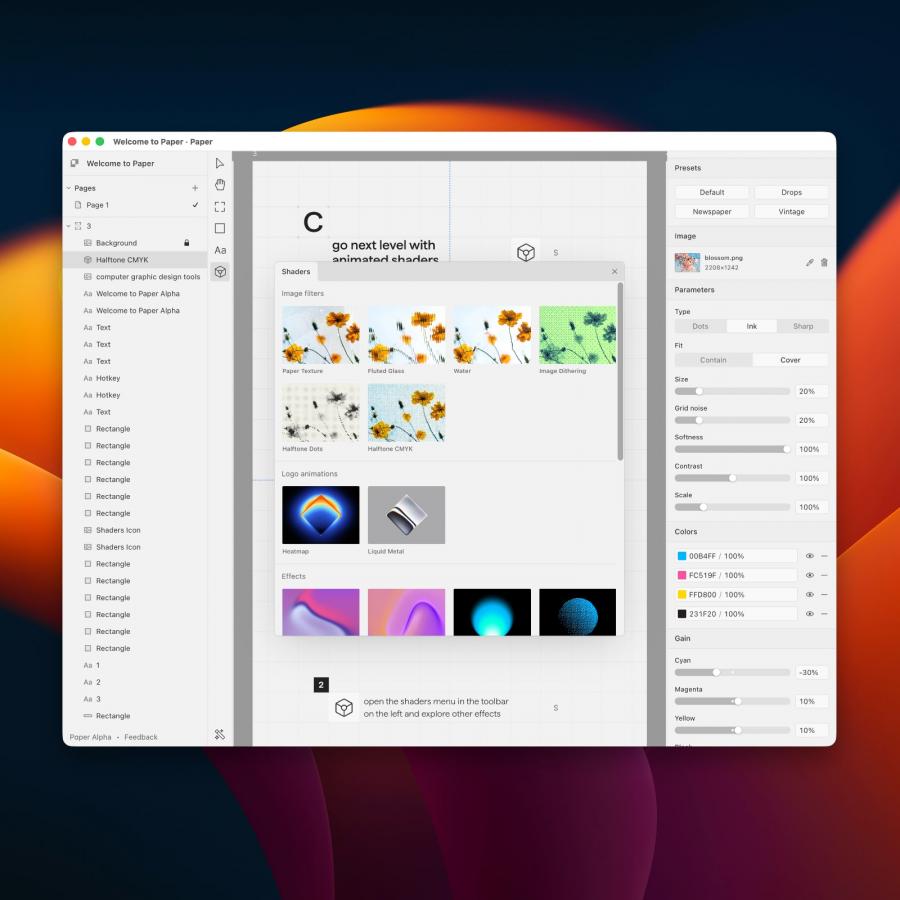
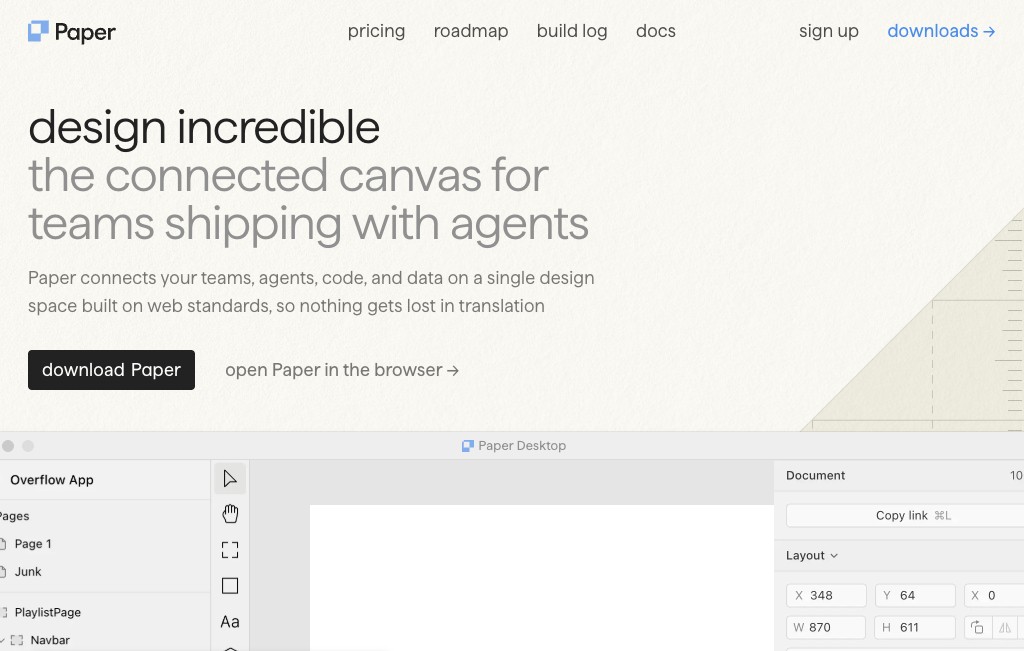
Paper.design pushes the MCP approach even further. Its canvas is built natively on web standards — HTML and CSS — which means AI agents working through Paper's MCP server can read and write design files directly. Tools like get_screenshot, get_jsx, write_html, and update_styles give Claude Code or Cursor direct read-write access to the design canvas. The result is a workflow where the agent builds in code and sees the changes reflected live in the design tool simultaneously.
The Abduzeedo editorial workflow itself now runs on vibe designing principles. This post was drafted, images were sourced and uploaded, and the CMS was updated entirely through browser automation and AI — no manual clicking required or almost none. That is the vibe designing mindset applied to publishing: just run it, iterate, then review when the shape of the idea is already clear. The goal is to try to automate the logistics so we can focus on the core of what we want to do. Is it perfect? Far from that, but the only way to improve is by doing it, plus we can learn a lot from it.