4501
Illustrator Quick Tips #1 - Complex Symbols with Pathfinder
tutorial
Last week I posted an article showing some great logos using 3D effects and colorful gradients.
Last week I posted an article showing some great logos using 3D effects and colorful gradients.

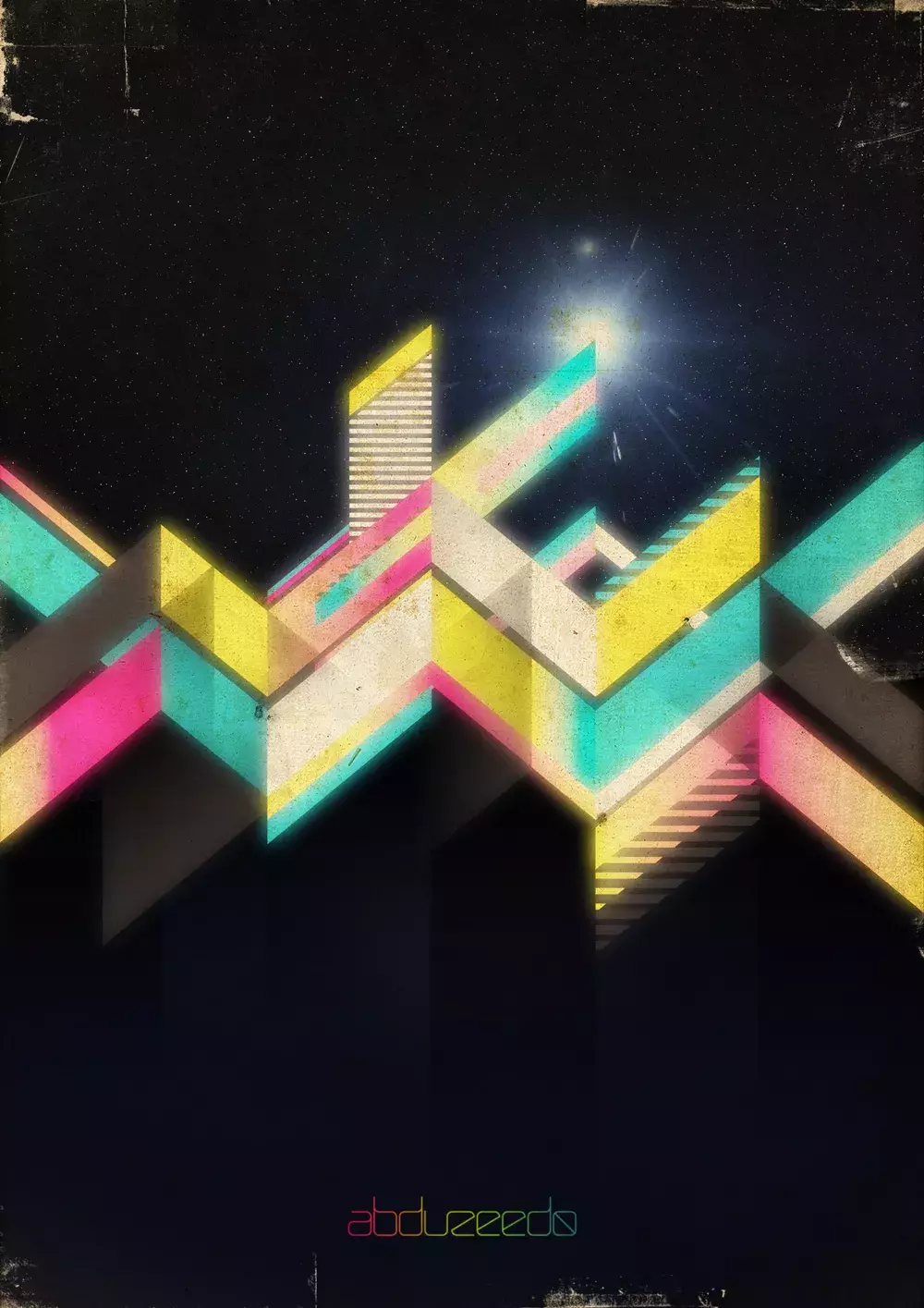
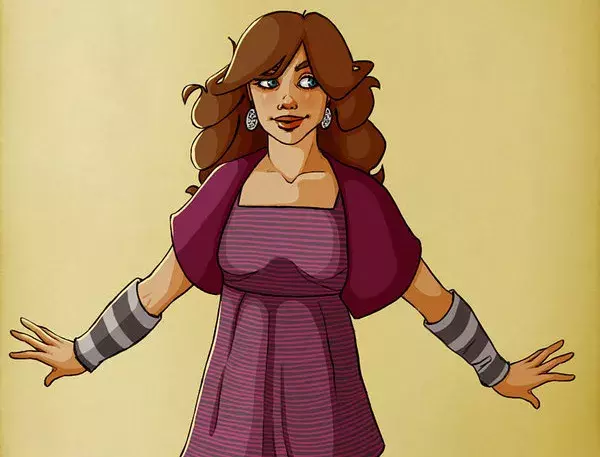
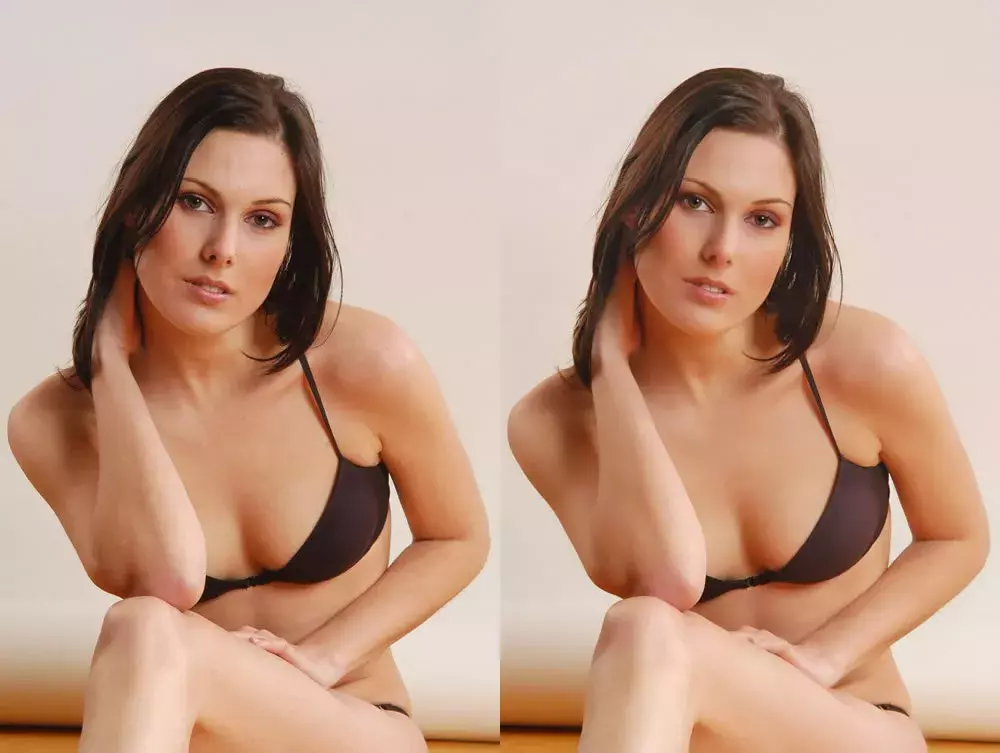
Following our series of quick tips, I will show you how to enhance a regular photo in Photoshop and make it look better. Of course you can change the presets in order to make it look more subtle, my idea was to exaggerate a bit. Also we will use the Shadows/Highlight adjustments showing how you can easily simulate a sort of HDR style.

Last year I was learning how to use the 3D features in Photoshop and I did an image mixing a 3D robot with a photography and some dragons in vector.
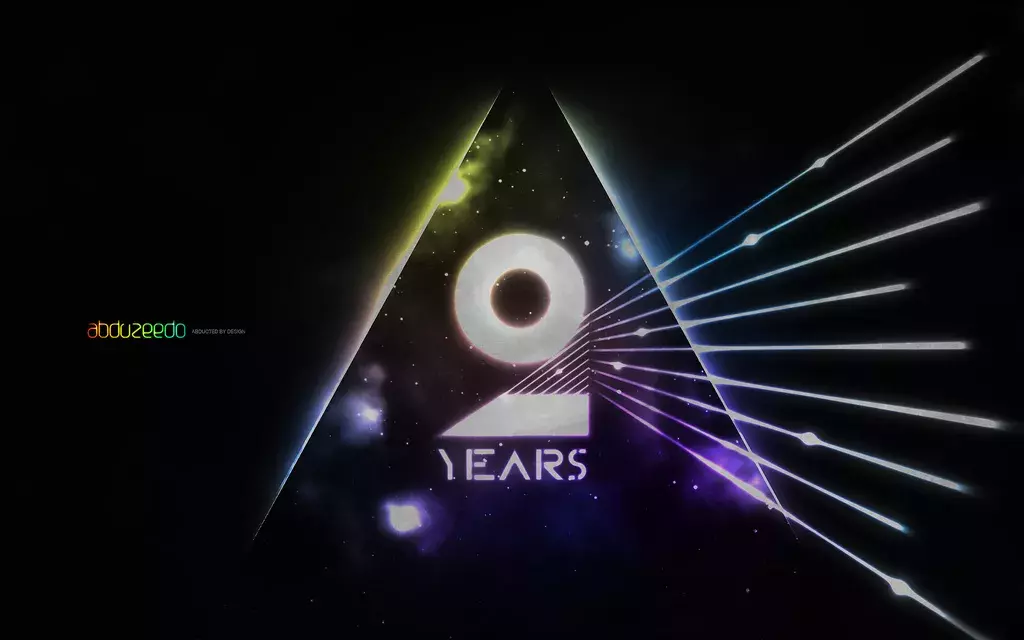

When I created the very first version of Abduzeedo I did a simple logo because I didn't have much time back in 2006, I wanted the blog up and running as faster as possible.
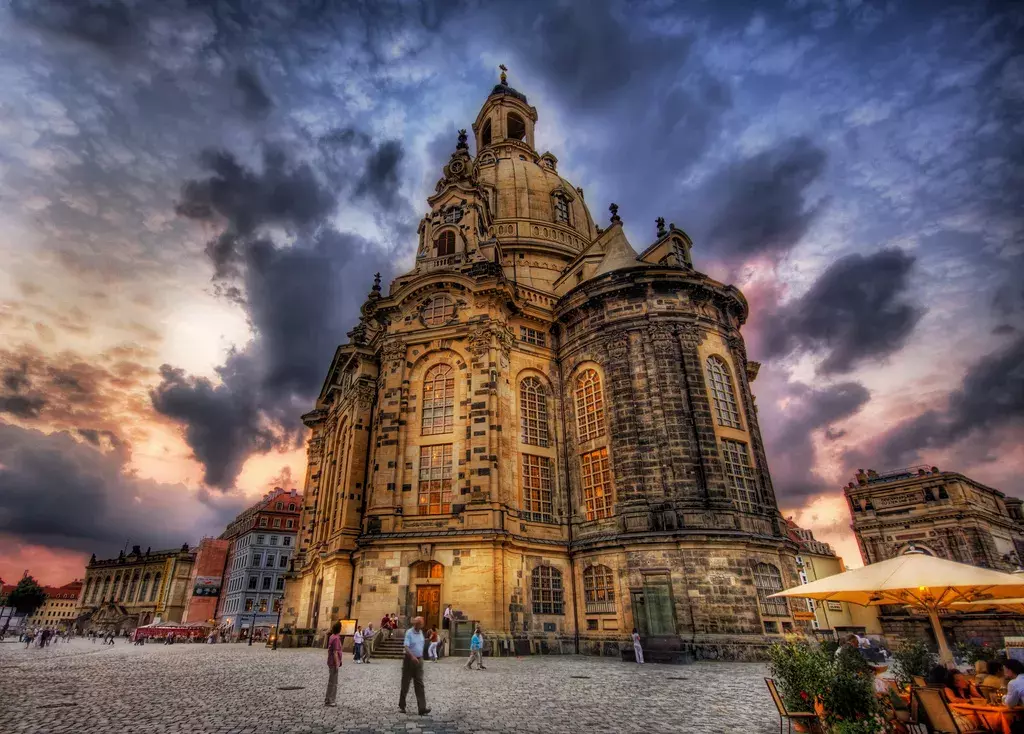
Trey Ratcliff - www.stuckincustoms.com

A few days ago I was watching a movie and I saw the Dreamworks logo. It's very well known and incredibly beautiful; that little kid sitting on the moon fishing.
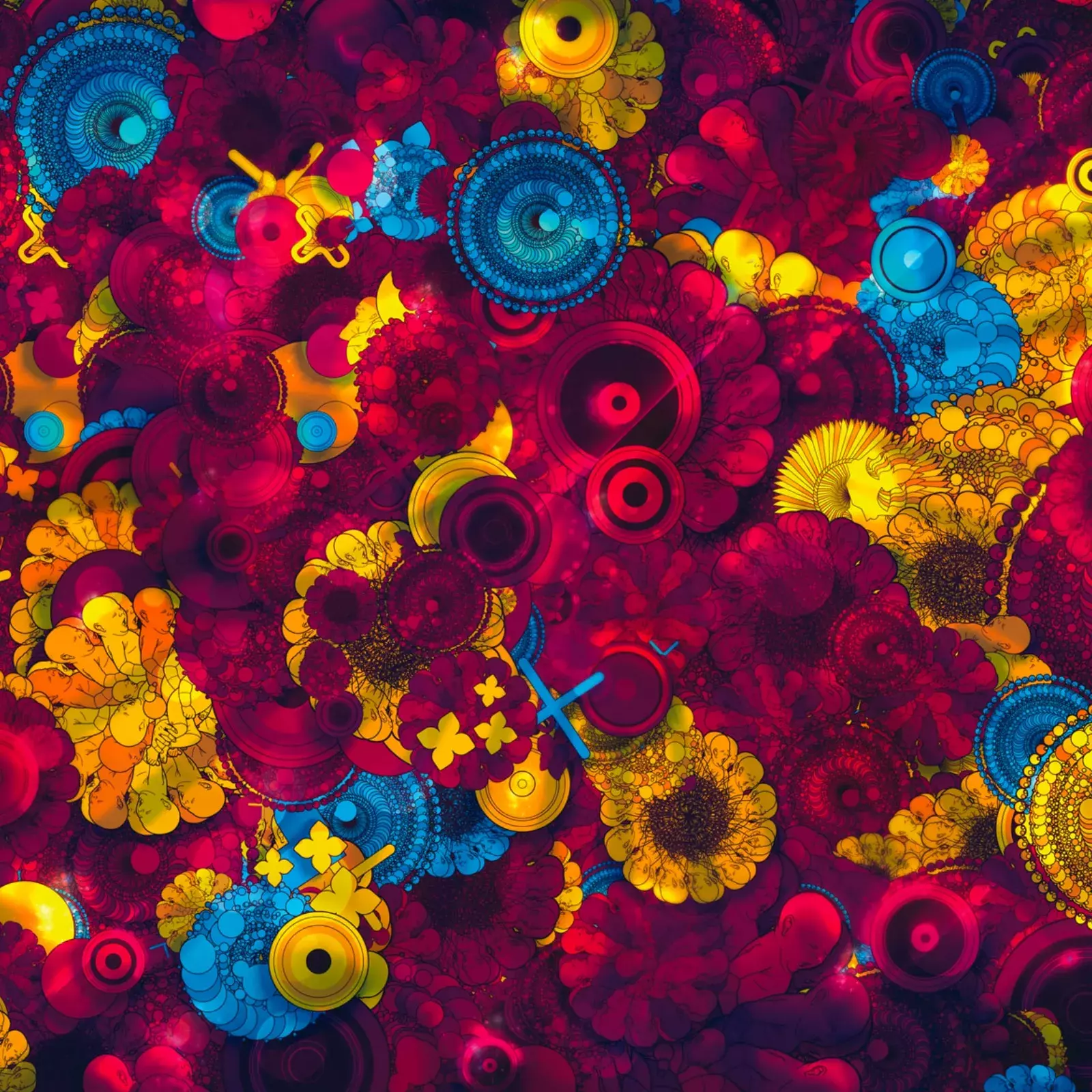
This week we have the honor to publish a tutorial from Guilherme Marconi, one of our favorite digital artists out there, and we can say owner of a very unique style

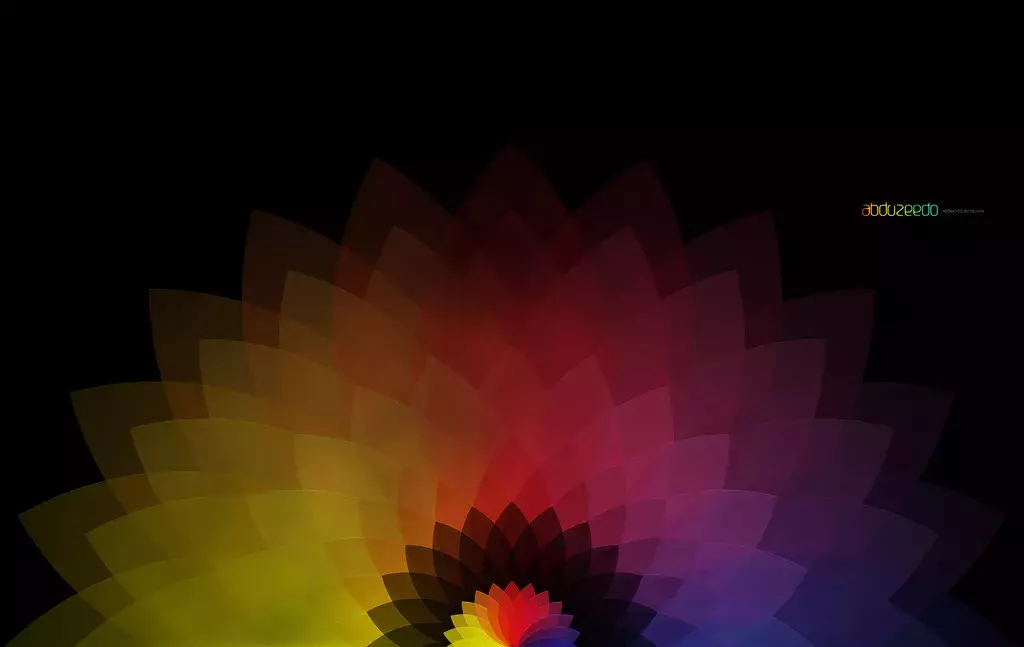
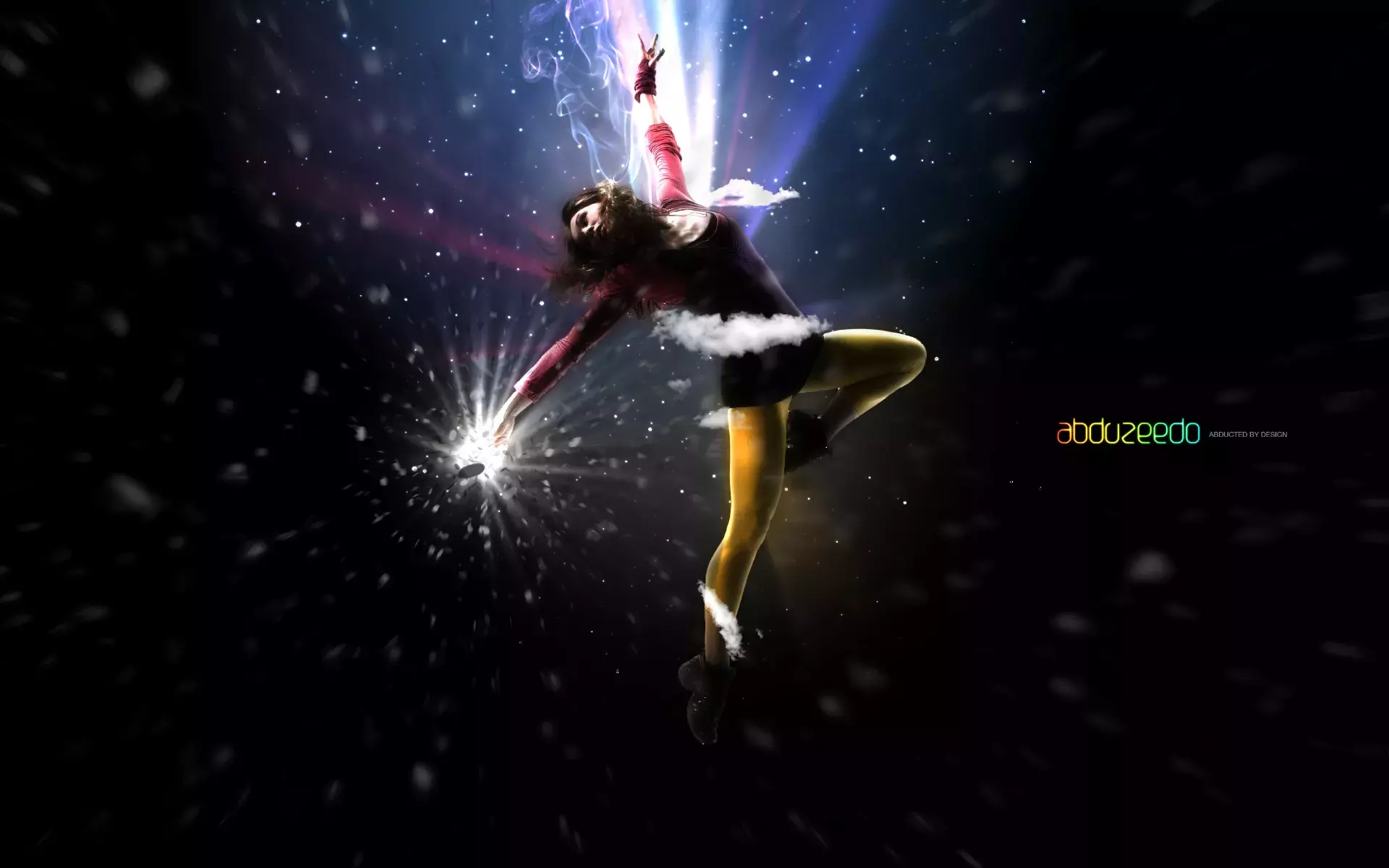

Our last Wallpaper of the Week was an image I had created using Pixelmator, and I really liked the outcome.

Following our series of Pixelmator tutorials, this week we will show you how to create an abstract wallpaper using the Quartz Composer filters.
Send your project to be featured on the blog. Follow the instruction on the template and good luck. Ah, make sure you add the images and credits that are due.