Featured Content
4482
Dicas Rápidas Photoshop #9: Usando as Actions do Photoshop
4483
Swirl Mania no Illustrator & Photoshop
4484
Awesome Milk Typography Effect in Photoshop
Typography

Following the series of effects with text, there were the Water,
4485
Dicas Rápidas Photoshop #8: Fazendo um Planeta
4486
Dicas Rápidas de Photoshop #6: Texto com Nuvens
4487
Photoshop Quick Tips #6: Cloudy Text
Typography

Last year I wrote a tutorial showing how to create clouds using Adobe Photoshop. However, I have received quite a few emails asking me how to create a text made with clouds.
4488
30 Portraits Impressionantes por Calvin Hollywood
4489
Stylish Light in Cinema 4D and Photoshop Tutorial
tutorial
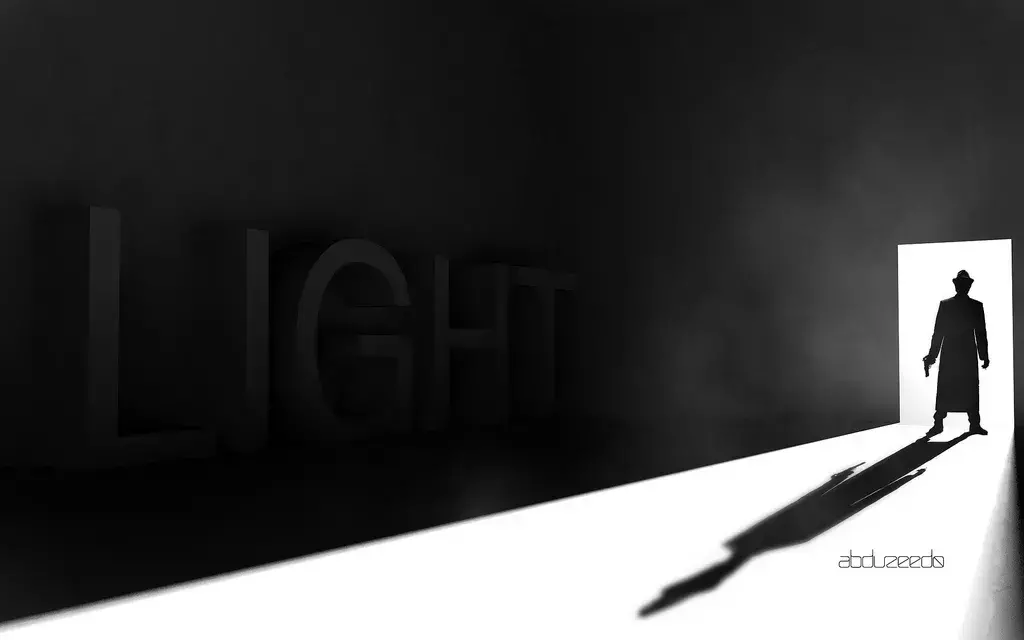
Following my Cinema 4D tranining I started playing with lights and illumination. It's amazing what we can do using Global Illumination.
4490
Luz com Estilo no Cinema 4D e Photoshop
4491
20 Imagens Fantástiscas do Wolverine
4492
Excelentes Manipulações de Imagem por Roberto Gamito
4493
Stencil Master C215
4494
Caso de Estudo "Way to Heaven"
4495
Incredibly Realistic Water Text in Cinema 4D and Photoshop
Typography
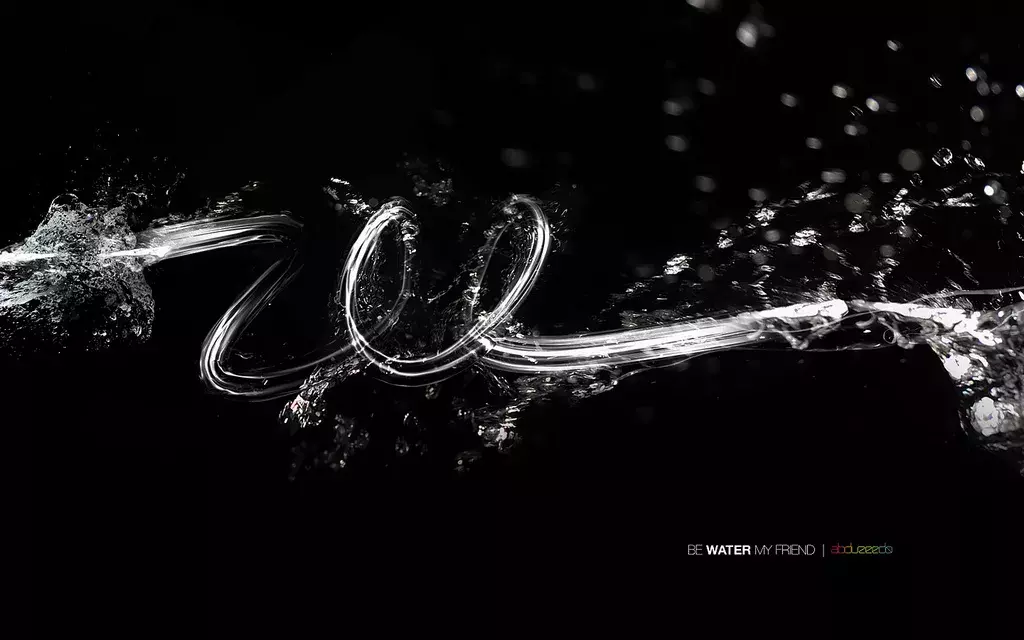
Yesterday it was raining and I decided to create a water effect.
4496
Bizarre Photo Treatment in Photoshop
tutorial

Last week I was playing with Photoshop, experimenting some photo treatment techniques. Cameron, a friend of mine, showed me one in particular and it really got my atention.
4497
Digital Painting Tutorial by Vitaly Alexius
work process
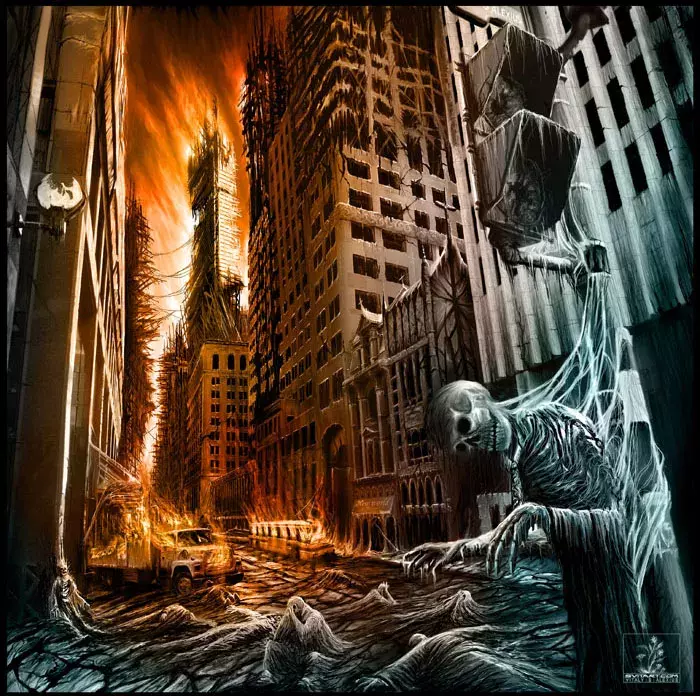
In this tutorial, Alexius show us the whole process that he uses to create his digital paintings.
4498
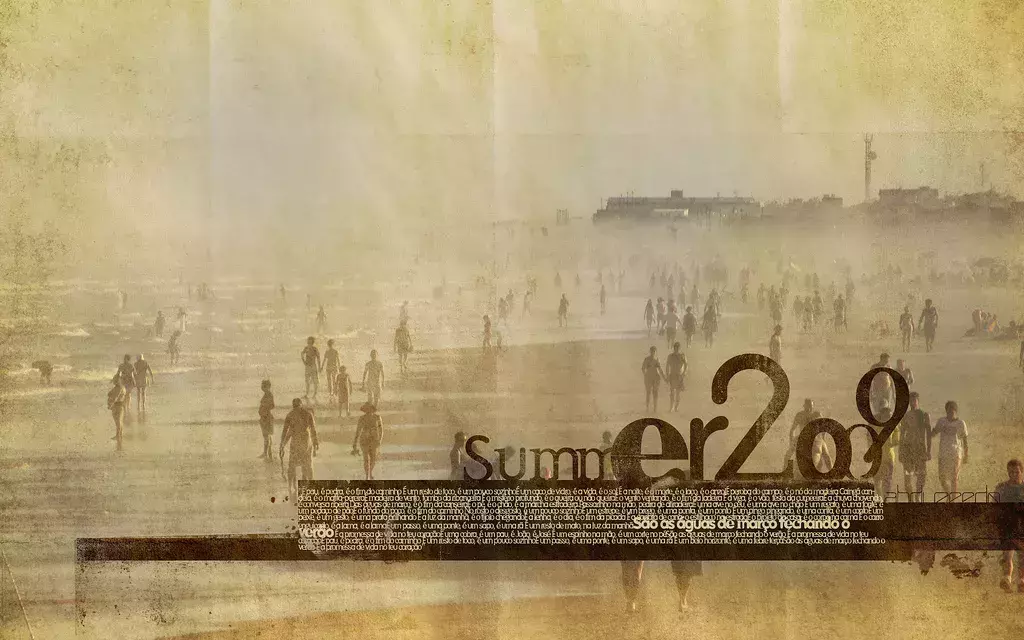
Easy way to create a 90's design in Photoshop
tutorial
4499
Illustrator Quick Tips #2 - Scatter Brushes
tutorial
Brushes are very useful in Photoshop. We may create all sorts of effects, from clouds to grunge brushes and many others.
4500
Fiery Fireballs in Pixelmator 1.4
tutorial

Last year I created some images using fireballs, explosion, fire and smoke. Basically I only used brushes to create that in Photoshop.
Tutorials

Get Featured
Send your project to be featured on the blog. Follow the instruction on the template and good luck. Ah, make sure you add the images and credits that are due.